Kribo

130 ms cold start

Write.
That’s it.1

Kribo opens in 130 ms, keeps your notes on your phone and never charges rent. No forced AI. Yours forever.

1130 ms is roughly the length of a blink. That’s how long Kribo takes to open from cold.

Kribo5 notes

Saturday groceries

Pharmacy receipt

OCR
DOWNTOWN PHARMACY
Acetaminophen 500 mg $48.00
Vitamin C x30        $129.50
Subtotal             $177.50
Tax 16%              $28.40
TOTAL                $205.90

Idea

Time the cold start on mom's old phone.

To do

Pay the power bill before Friday.

Vale's birthday

Saturday 7 pm. Bring a tres leches cake.

View
Theme

Type below, switch view or theme, or search “total”.

5 notes

How Kribo feels

Tap the icon. 130 ms later, you’re typing.

Measured cold start, no loading screen, no sync first. By then, an app that takes 4 s is only 3% of the way there.

Scan the receipt with no internet.

The OCR (PaddleOCR PP-OCRv5) reads the ticket inside your phone. The photo never travels to a server.

Find it with one word.

Type “total” and Kribo highlights the text inside the scanned image. Zero network requests.
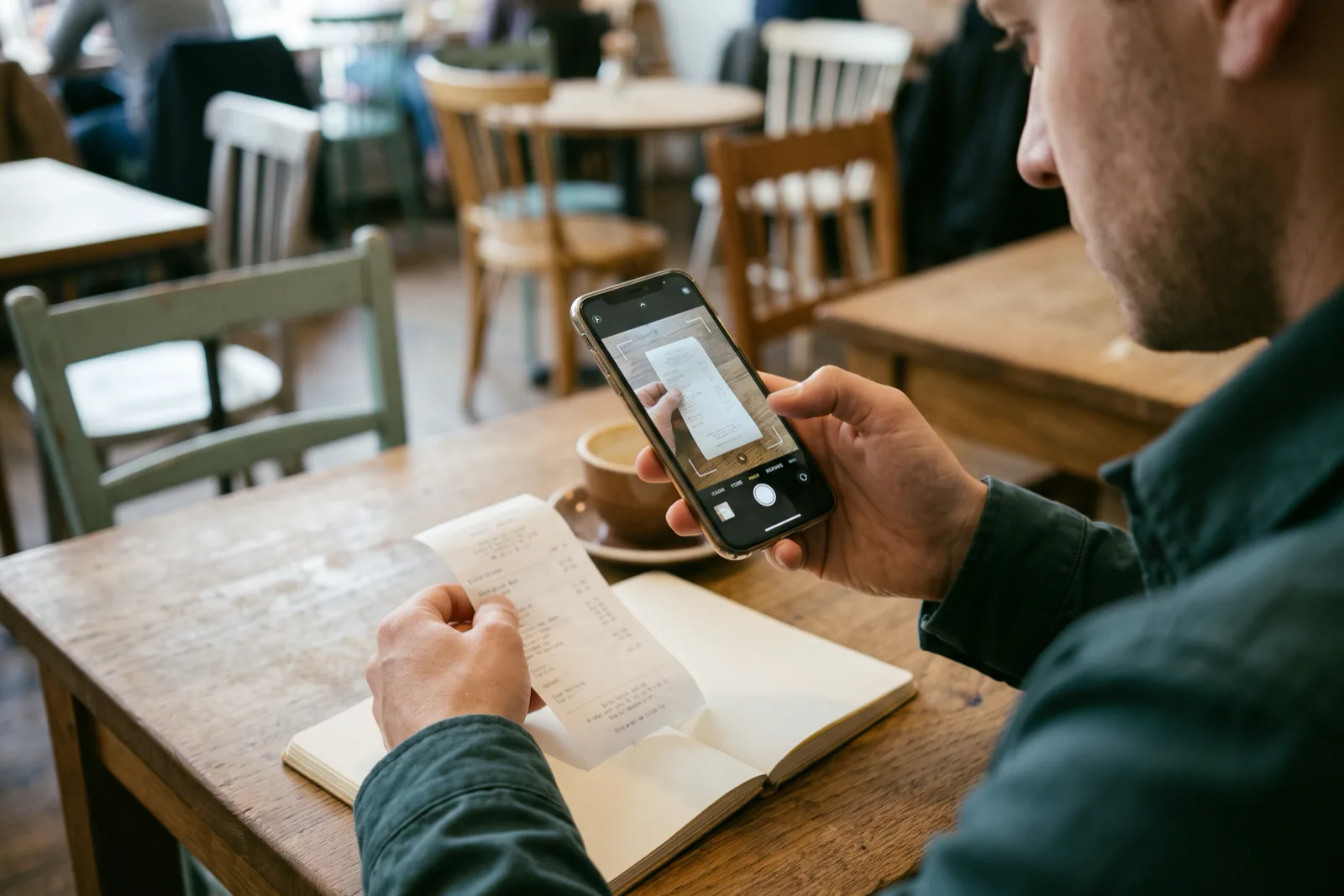
Man in a café scanning a receipt with his phone camera next to an open notebook.
The receipt is scanned on the phone. Not one byte of the photo leaves the device.

Why people are leaving Evernote and Notion

Note apps grew until they felt like offices. People just wanted to jot something down.

Man on the street looking at his phone, visibly impatient.
Open, write and get on with the day. No digital waiting rooms.

The problem isn’t the note. It’s everything around it.

Three numbers explain why people are switching: seconds that never come back, rent that piles up and AI that interrupts.

3–5 s

Opening a note shouldn’t test your patience

Notion and Evernote take 3 to 5 seconds to open. Kribo cold-starts in a measured 130 ms, loading nothing extra.

$250/yr

Paying rent for your own notes

Evernote charges up to $250 a year. In Kribo, notes are free forever and Pro is paid once.

Forced AI

AI barging into your writing

AI buttons and popups sitting on top of your notes. Kribo has none: open it and write.

Kribo vs Evernote, Notion and Obsidian

Four apps, the same questions.

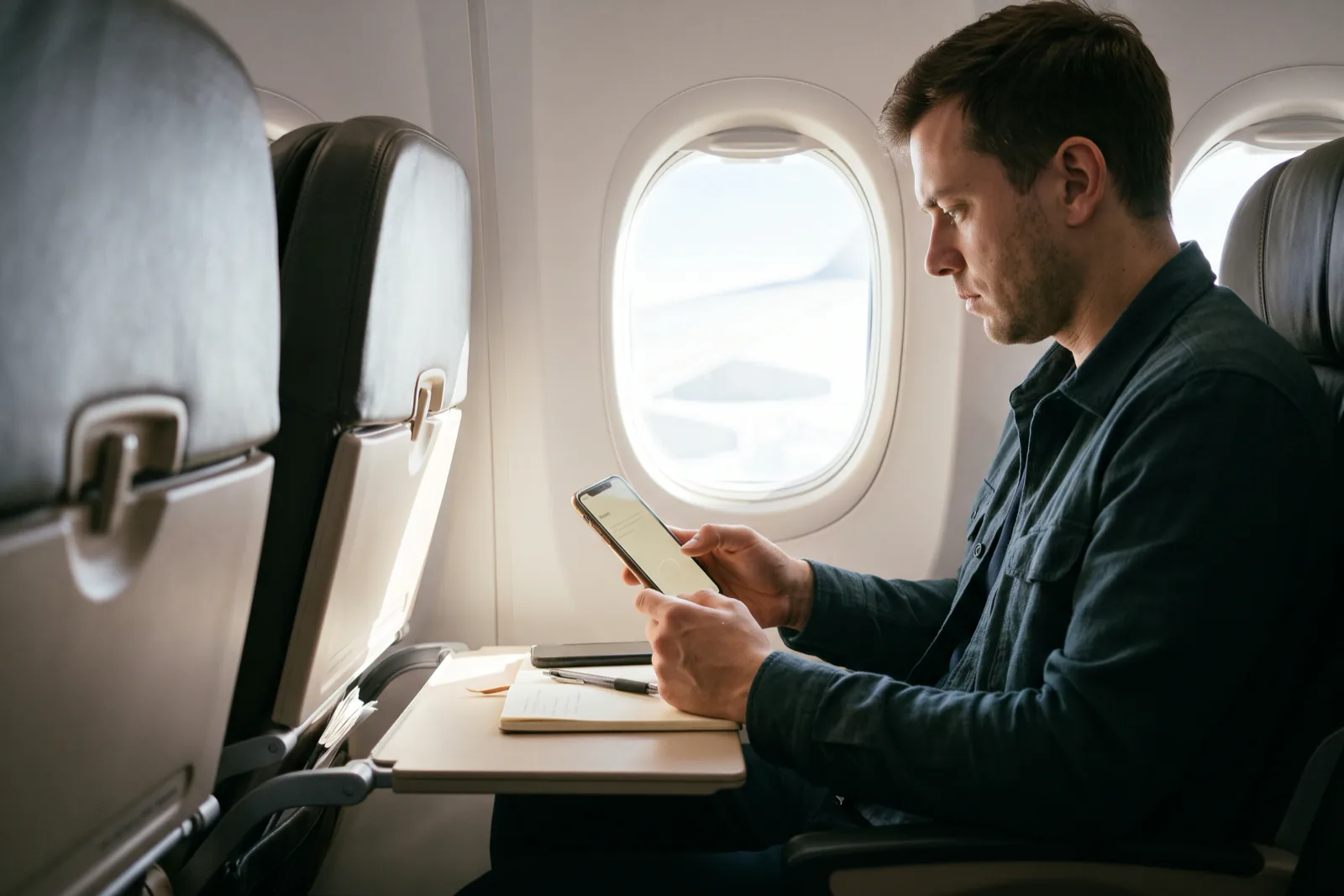
Man working on his phone in an airplane seat, notebook on the tray table.
A plane, a receipt and a phone: this is how work feels when the app doesn’t depend on the cloud.

Kribo’s own figures, November 2026. The table compares opening time, price, OCR, AI and exit.

Kribo vs Evernote, Notion and Obsidian
What mattersKriboEvernoteNotionObsidian
Cold startYes: 130 ms measuredNo: 3–5 sNo: 3–5 sPartial: Fast, varies with plugins
What you payYes: $0, or $4.99 onceNo: Up to $250/yrPartial: Subscription on paid plansPartial: Free app; official Sync is a subscription
Works 100% offlineYes: Yes, local-firstPartial: Limited by planPartial: PartialYes: Yes
Receipt OCR without the cloudYes: Yes, on the phoneNo: Cloud-dependentNo: Not includedPartial: Plugins only
AI pushed into your notesYes: NeverNo: Built-in AI featuresNo: Notion AI across the UIYes: No
Where your data livesYes: On your deviceNo: On their serversNo: On their serversYes: On your device
Moving in and outYes: Imports .enex/.md/.zip; exports PDF, MD, ZIPPartial: Exports .enexPartial: Exports Markdown/HTMLYes: Open Markdown

Cold start

Kribo
Yes: 130 ms measured
Evernote
No: 3–5 s
Notion
No: 3–5 s
Obsidian
Partial: Fast, varies with plugins

What you pay

Kribo
Yes: $0, or $4.99 once
Evernote
No: Up to $250/yr
Notion
Partial: Subscription on paid plans
Obsidian
Partial: Free app; official Sync is a subscription

Works 100% offline

Kribo
Yes: Yes, local-first
Evernote
Partial: Limited by plan
Notion
Partial: Partial
Obsidian
Yes: Yes

Receipt OCR without the cloud

Kribo
Yes: Yes, on the phone
Evernote
No: Cloud-dependent
Notion
No: Not included
Obsidian
Partial: Plugins only

AI pushed into your notes

Kribo
Yes: Never
Evernote
No: Built-in AI features
Notion
No: Notion AI across the UI
Obsidian
Yes: No

Where your data lives

Kribo
Yes: On your device
Evernote
No: On their servers
Notion
No: On their servers
Obsidian
Yes: On your device

Moving in and out

Kribo
Yes: Imports .enex/.md/.zip; exports PDF, MD, ZIP
Evernote
Partial: Exports .enex
Notion
Partial: Exports Markdown/HTML
Obsidian
Yes: Open Markdown

Kribo figures measured by BLACK EYE. Third-party data from their public plans as of November 2026; subject to change. The 3–5 s open time is the range their users report.

Two prices. Zero rent.

The essentials are free. The extras are paid once and stay yours.

Free forever

$0

no card, no expiring trial

  • Unlimited local-first notes, checklists and toggles
  • Opens in 130 ms
  • 4 themes and List / Bento view
  • 1-click import from Evernote (.enex) and Notion or Obsidian (.md / .zip)
  • Unlimited export to PDF, Markdown or ZIP
  • 5 trial offline OCR scans
Download free

Kribo ProLaunch price

$4.99USDRegular price $9.99

one-time, lifetime

  • Everything in Free
  • Unlimited offline scanner + OCR
  • Sync to your own Google Drive (drive.file) or local Wi-Fi
  • PWA access on Mac, Windows and iOS
Get Pro for $4.99
Man at home at the table with his phone, a notebook and coffee.
Your notes stay home. Sync is an option, not a toll.

No-hostage data guarantee

Your notes live on your device, not on our servers. Come over from Evernote, Notion or Obsidian in one free click, and leave whenever you want with everything exported to PDF, Markdown or ZIP. No locks, no exit fee.

Man at home working on a laptop and phone, an open notebook beside him.
The same desk, three screens and one file that’s yours. No mandatory account.

Leaving is part of the product too

Your notes, with you. Here and on every screen.

Kribo Pro costs $4.99 USD, once. It unlocks unlimited offline OCR, sync to your own Google Drive and the installable PWA on Mac, Windows and iOS. If you ever leave, export everything and pay nothing to go.

$4.99 USD · one-time · no subscription

Open Kribo Pro on Google Play

FAQ

Is it really free forever?

Yes. Unlimited notes, checklists and toggles, all 4 themes, List / Bento view, import and export cost nothing. Pro adds unlimited OCR, sync and access from other devices.

What happens to my notes if I leave Kribo?

They’re yours. Export to PDF, Markdown or ZIP any time, on the free plan too.

How does it read a receipt offline?

The OCR engine (PaddleOCR PP-OCRv5) runs inside your phone. The photo never leaves your device.

Where does Pro sync?

To your own Google Drive with the limited drive.file scope (Kribo only sees files it creates), or over local Wi-Fi between your devices.

Does it work on iPhone or desktop?

The native app is for Android. With Pro you get the installable web app (PWA) on Mac, Windows and iOS at kribo.iareal.net.

Does it have AI features?

Not inside your notes. No popups, no buttons getting in the way.

Kribo: notes that open in 130 ms, no subscriptions, no forced AI